Online multiplayer
Join casual car soccer matches in 1v1, 2v2 or 3v3. Team up, defend your goal and use boost to reach the next shot.
Nitro Pitch puts you behind the wheel in a fast car soccer game. Chase the ball, launch into the air and score with your team—all in your browser.
Play Nitro PitchNo game download required. Online play needs an internet connection.

Real screenshots from the game: explore the arena, practice your shots and find your next playlist.
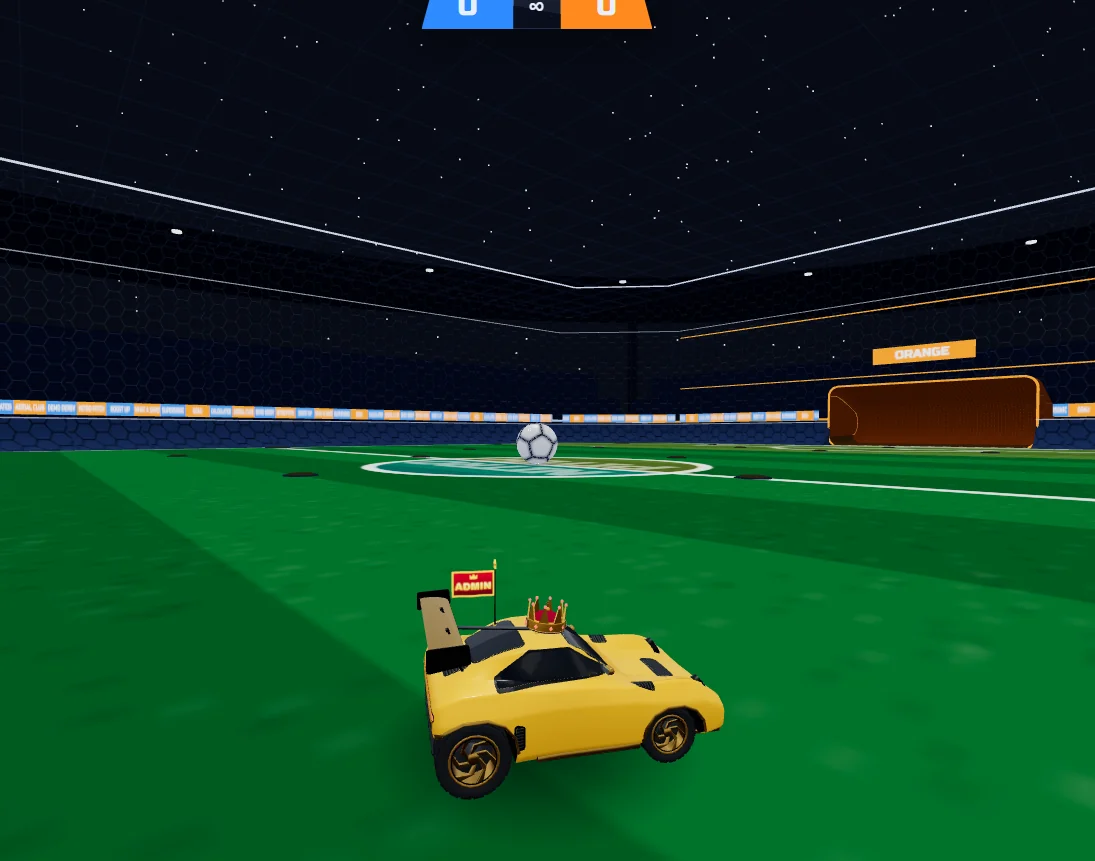
Take the wheel and line up your next shot.
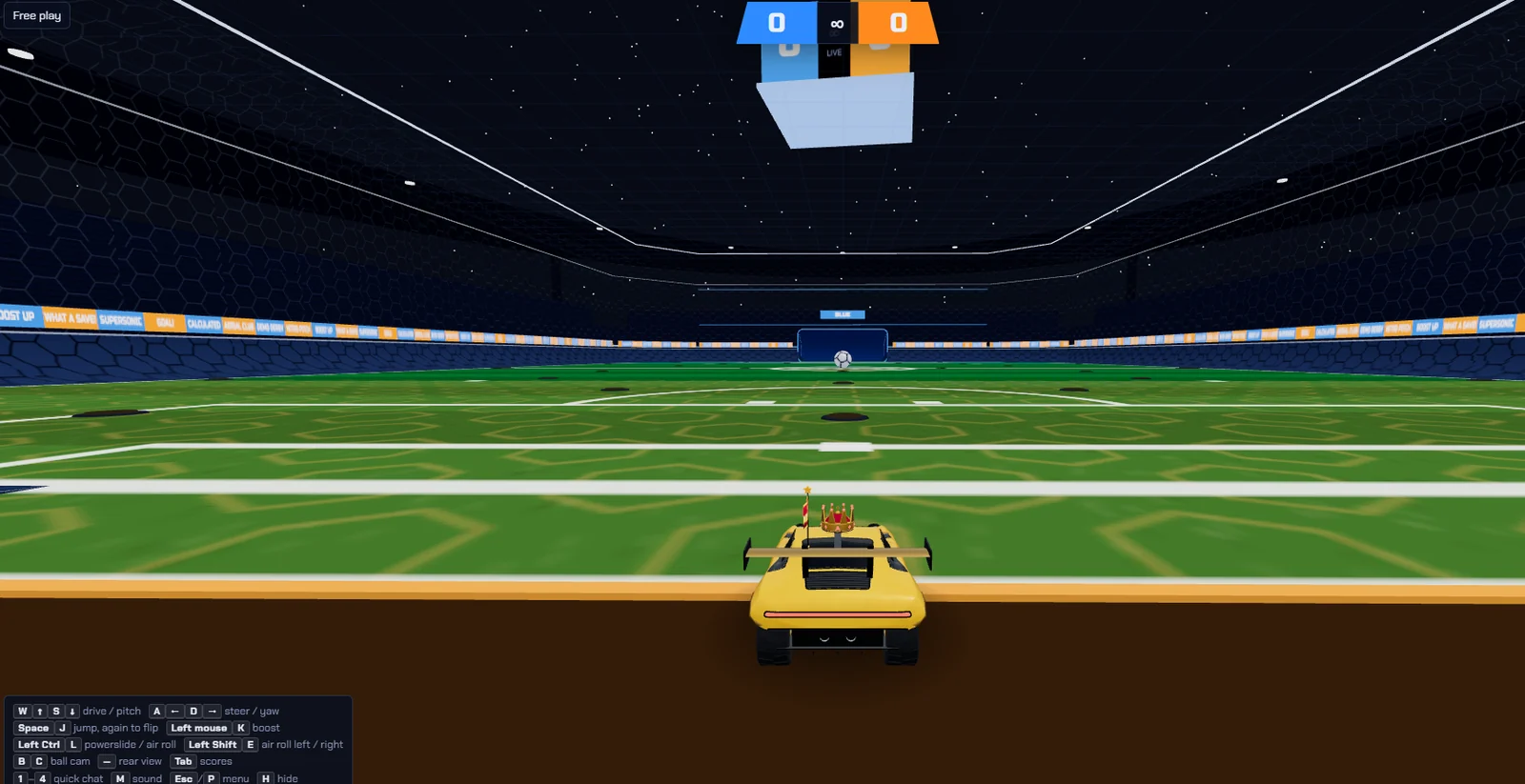
Practice driving, boosting and shooting at your own pace.
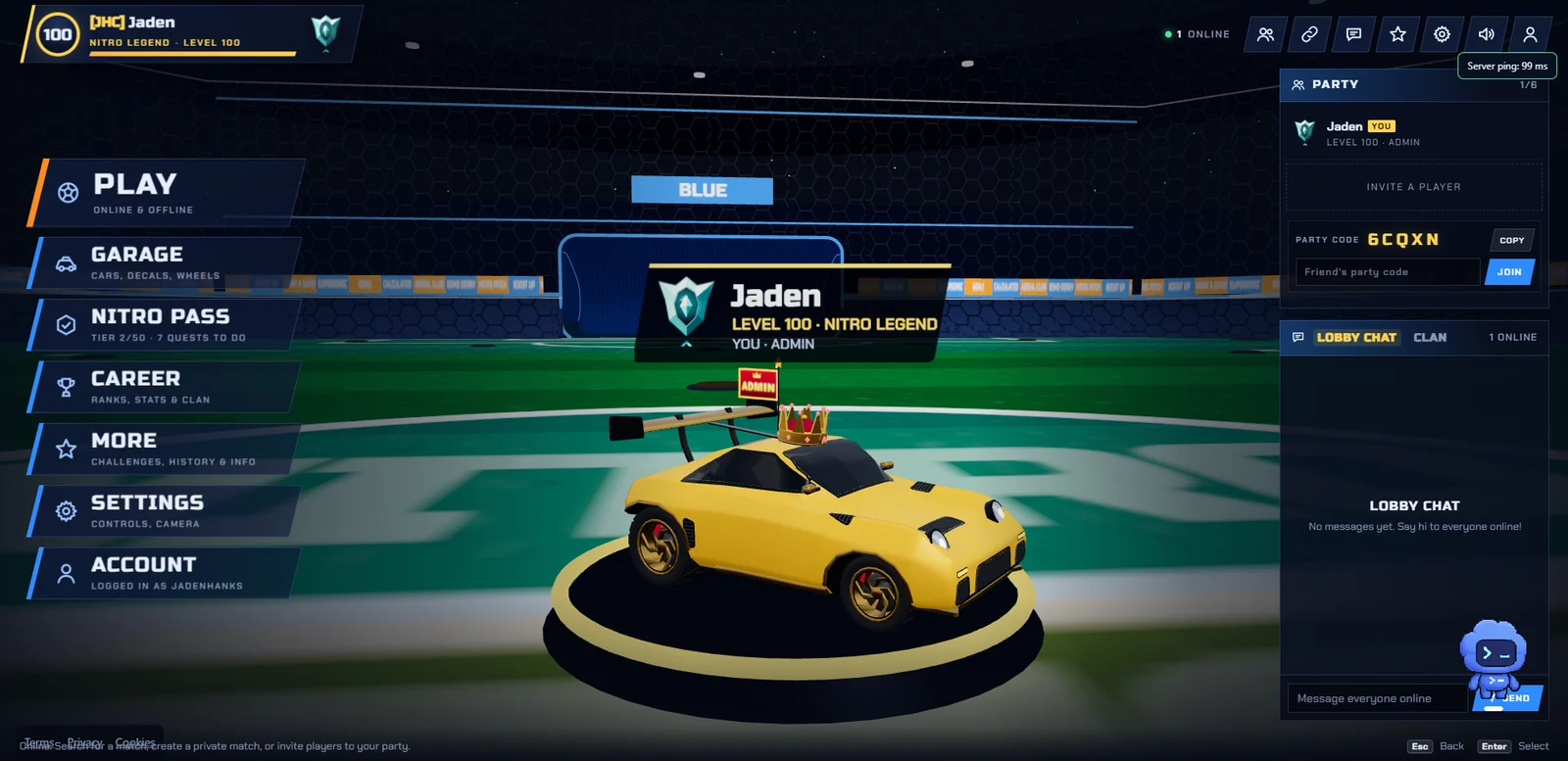
Explore the Garage, Nitro Pass and Career from the main menu.
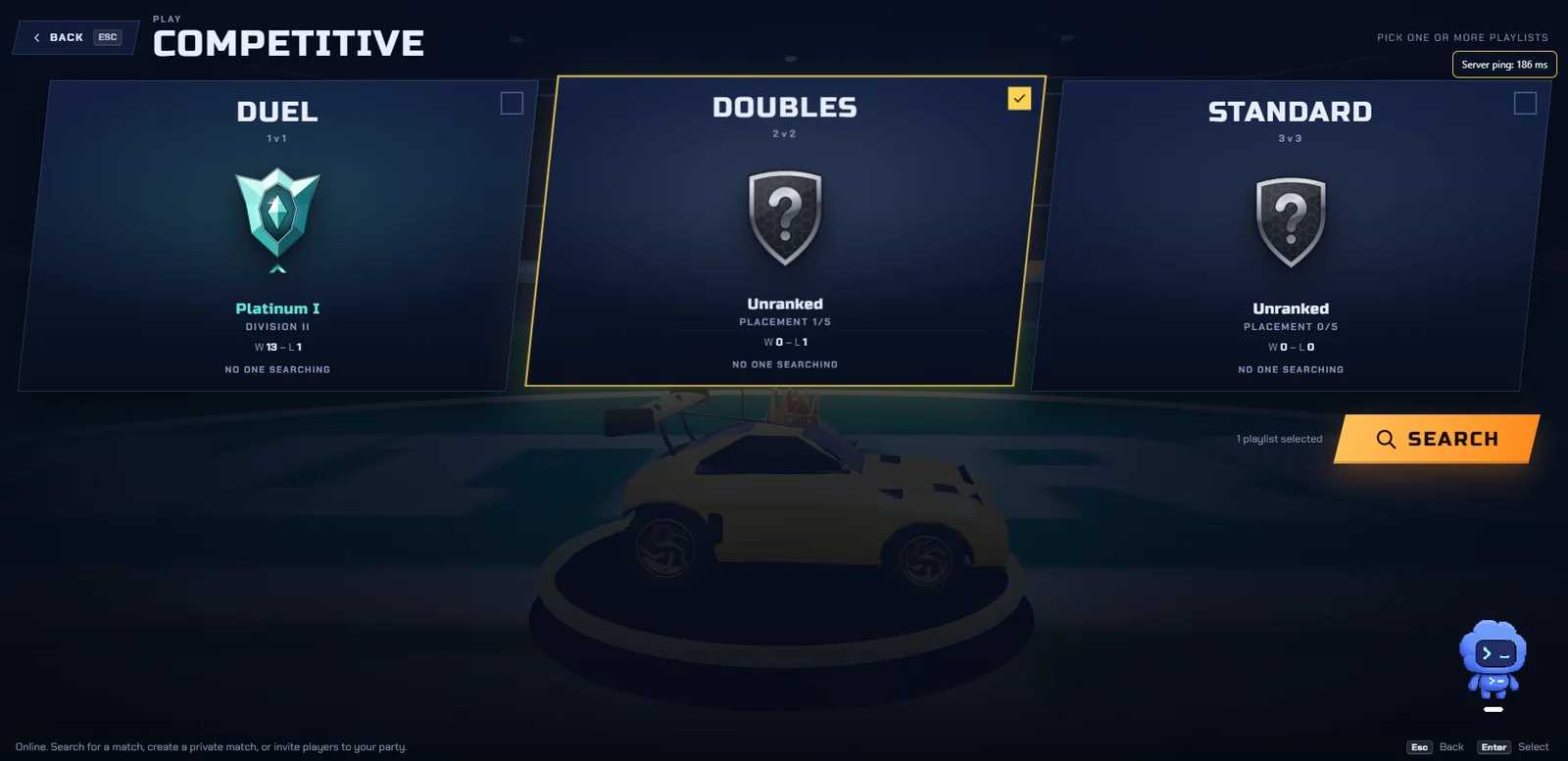
Choose ranked Duel, Doubles or Standard.
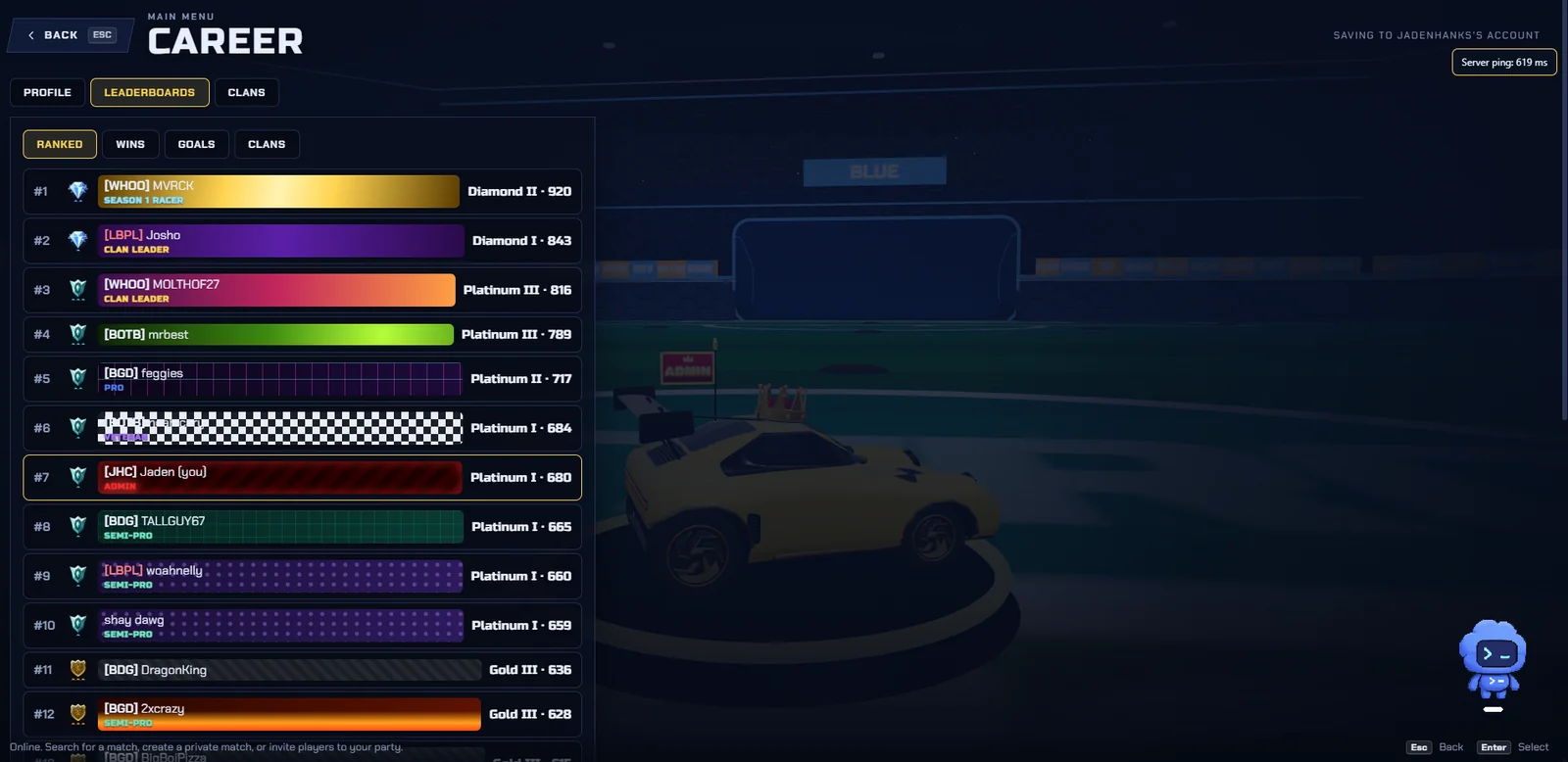
Follow player standings and ranked MMR in Career.
Screenshots provided by the game creator. Player names, ranks and menus are shown as they appeared when captured.
Play a free sports game on a website instead of installing a game client. Pick a playlist, learn against bots or set up a private match.
Join casual car soccer matches in 1v1, 2v2 or 3v3. Team up, defend your goal and use boost to reach the next shot.
Play ranked playlists, complete your placements and track your rank as you improve.
Create or join a private match with a name and password. Keep your group together and choose your match settings.
Start with the tutorial, training packs, free play or exhibition matches against bots to learn driving, jumping and scoring.
Customize your car in the Garage. Earn XP through matches and quests, explore clans in Career, and open More for recent match history and blocked players. Find daily and weekly quests in Nitro Pass.
Nitro Pitch is a browser game website you can visit directly at nitropitch.app. It needs no game download. Whether it is unblocked depends on your school, workplace or network settings; access is not guaranteed on every network.
Yes. You can play the game in your browser for free. The site has advertising controls explained on the Cookies page.
Yes. The game offers online multiplayer, parties and private rooms. You can also play exhibition matches against bots.
Choose More from the main menu. Match history shows your latest 20 completed matches, and Blocked players manages chat and invitation blocks. History and blocks are saved for your account on the current device.
Check your connection and the server status indicator. Online matches need access to the game server. If your browser cannot start the 3D game, check that WebGL is supported and enabled.